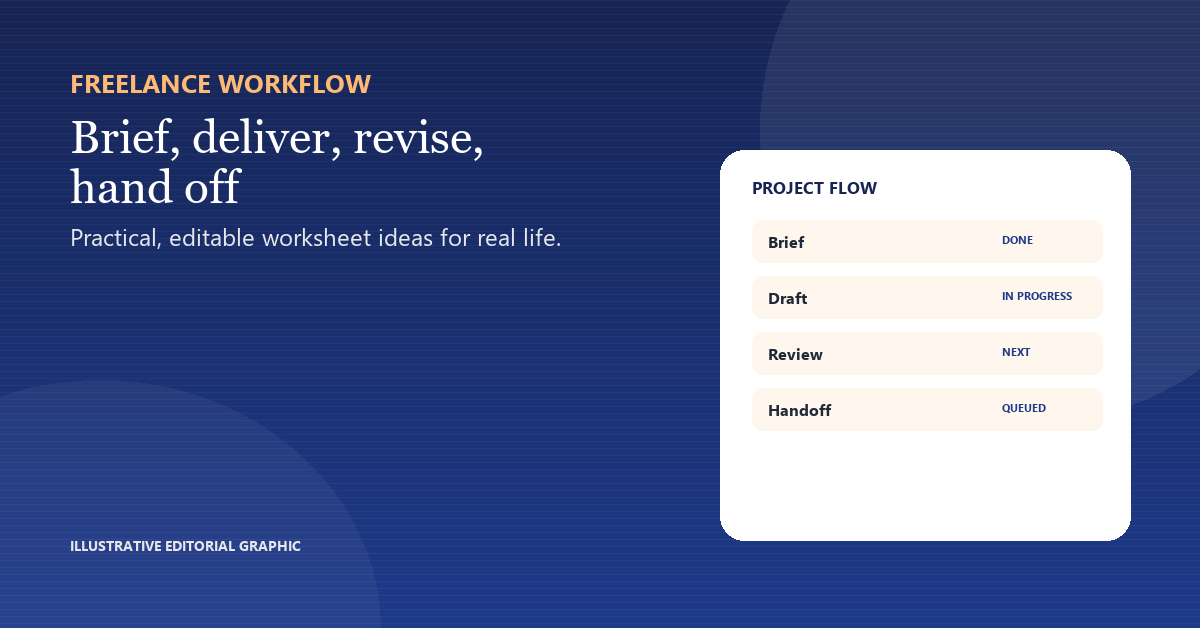
The handoff is the last chance to catch a missing file, a wrong permission or a note that only exists in your head. A short checklist makes it repeatable.
List the final files
Name the files, formats and versions the client expects. Check that the final version, not a draft, is the one in the delivery folder.
Check access and permissions
Confirm shared links, accounts and ownership. A file the client cannot open is not delivered.
Write the handoff note
Summarize what changed, what was decided and where the archive lives. Keep it short enough to read.
Ask for confirmation
A one-line confirmation closes the loop and creates a record of acceptance.
Handoff check
| Item | Example |
|---|---|
| Item | Status |
| Final files | Named + checked |
| Access | Client can open |
| Notes | Decisions + archive |
| Approval | Written confirmation |
What to watch for
- Sending a folder without checking permissions.
- Including drafts with the final files.
- Leaving the handoff note in a chat thread.
A useful next step
Run the checklist before the final message, not after. A five-minute check is cheaper than a week of “which file?” emails. If a file is too large for email, put the shared link and access instructions in the handoff note. A delivery is complete only when the client can open the final version without asking which file you meant. Check the final link in a private browser window; access that only works in your logged-in session is not a handoff. Keep the final link separate from the working folder so the client is not invited into drafts. Name the final file with the project and version so it sorts beside the brief. Ask the client to reply with the file name they received.